



How to Run Video Ads on YouTube
YouTube has become essential for any business looking to grow its online visibility. With over 2 billion monthly active users and 70 billion daily views on YouTube Shorts, the platform offers enormous advertising potential.
Unlike other social networks, YouTube lets you run video ad campaigns that are especially effective at driving conversions: 70% of consumers say they bought a product after seeing it on YouTube. This complete guide walks you through creating and optimizing your YouTube Ads campaigns, step by step.
Key takeaways in 30 seconds
• Variety of formats: In-stream, In-feed, Shorts, Bumper ads (choose based on your goals)
• Precise targeting: demographics, interests, behaviors via Google Ads
• Weak visuals or copy blend into the feed and get ignored.
• Affordable costs: $0.10-$0.30 per view, recommended daily budget of $10-$50
• Creative is everything: hook viewers in the first 5 seconds, clear CTA
• Essential metrics: CTR, CPV, conversion rate, ROAS to track
• Season, context, and regulations can all change the game.
• Continuous optimization: A/B tests, audience and budget adjustments
1. Understanding YouTube Ad Formats
1.1 In-Stream Ads (Skippable and Non-Skippable)
Skippable in-stream ads are the most popular format on YouTube. They appear before, during, or after videos and can be skipped after 5 seconds. You only pay when a viewer watches at least 30 seconds or interacts with your ad.
Non-skippable in-stream ads run 15 to 20 seconds and must be watched in full. They guarantee complete message exposure, though they can frustrate viewers.
1.2 In-Feed Ads and YouTube Shorts
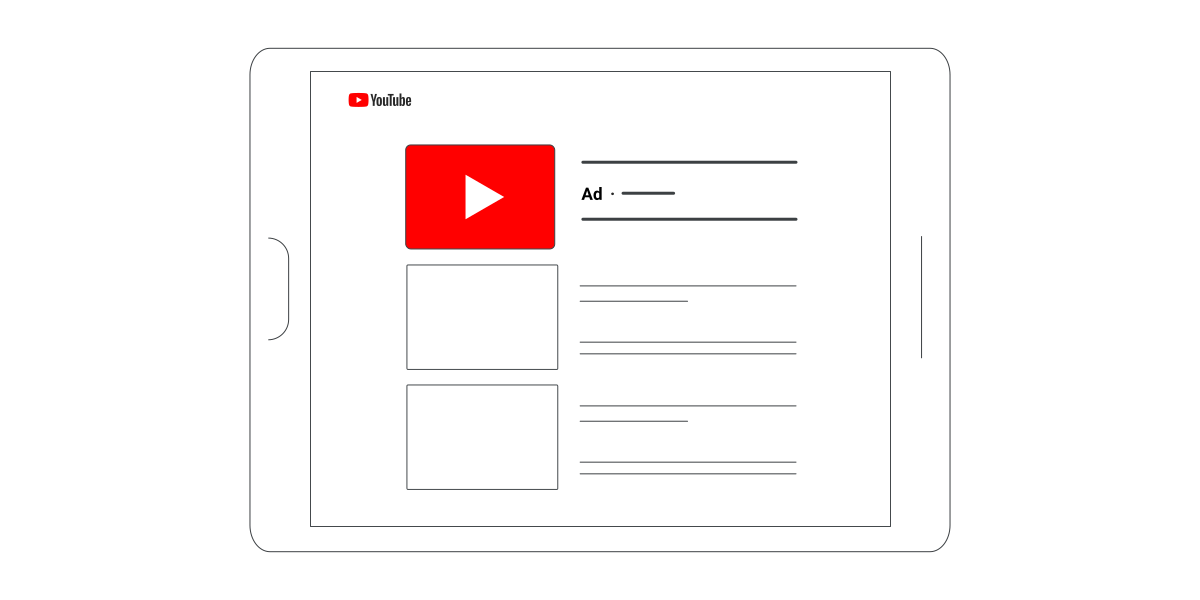
In-feed ads (formerly called Discovery ads) appear in YouTube search results, on the homepage, and next to recommended videos. They look like natural suggestions and typically earn strong click-through rates.
YouTube Shorts ads are designed specifically for the vertical format and appear in the Shorts feed. With over 70 billion daily views, this format offers massive reach, especially on mobile.
1.3 Bumper Ads and Specialized Formats
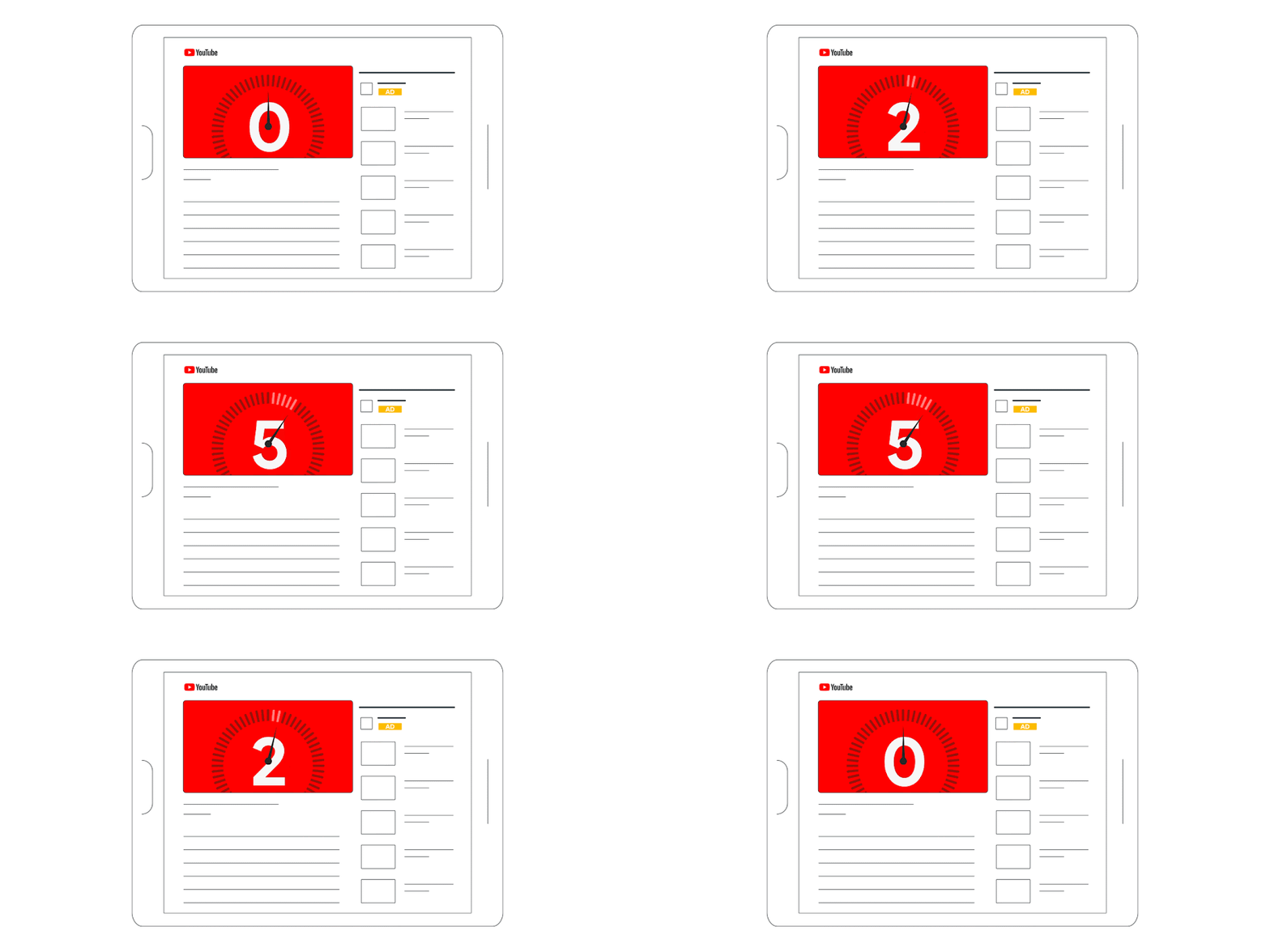
Bumper ads are spots of up to 6 seconds, non-skippable, ideal for building brand awareness. Their brevity makes them less intrusive while still guaranteeing full exposure.
Masthead ads sit at the top of the YouTube homepage and deliver maximum visibility, especially on connected TVs.
2. Setting Up Your Google Ads Account and Campaign
2.1 Google Ads Account Setup
To get started, create a Google Ads account by following these key steps:
- Add your business information: name, website, industry.
- Link your YouTube channel to your Google Ads account for better synchronization.
- Set up conversion tracking before launching your campaigns.
- Set your billing profile and payment methods.
2.2 Creating Your First Video Campaign
In Google Ads, select "New campaign," then choose "Video" as the campaign type. You can pick from several objectives:
- Brand awareness and reach: to increase your brand's visibility
- Website traffic: to drive qualified visits
- Leads: to collect leads
- Sales: to optimize conversions
2.3 Budget and Bidding Setup
The recommended starting budget is $10 to $50 per day. Average observed costs are:
- CPV (cost per view): $0.10-$0.30
- CPM (cost per thousand impressions): $3.53 on average
- YouTube Shorts CPM: approximately $4
Start with automated bidding to let the Google algorithm optimize your performance.
3. Targeting Your Audience Effectively
3.1 Demographic and Geographic Targeting
YouTube offers highly precise targeting options through Google Ads:
- Demographics: age, gender, parental status, household income
- Geography: countries, regions, cities, or radius around a point
- Devices: desktops, mobile phones, tablets, connected TVs
3.2 Interest and Behavioral Targeting
- Affinity audiences: users who are passionate about specific topics
- In-market audiences: people actively searching for similar products
- Custom audiences: based on keywords recently searched
- Remarketing: retargeting visitors to your website or YouTube channel
3.3 Contextual Targeting
- Keywords: ads appear on videos related to these terms
- Topics: targeting by broad categories (automotive, health, etc.)
- Placements: manually selecting specific channels or videos
4. Creating Video Ads That Convert
4.1 Google's ABCD Principles
Google recommends following the ABCD principles to create effective ads:
- Attention: grab attention in the first few seconds.
- Branding: integrate your brand early and often.
- Connection: build an emotional connection.
- Direction: include a clear call to action.
4.2 Video Production Techniques
Hook in the first 5 seconds: the single most critical element of your ad. Use questions, surprising statements, or bold visuals.
Mobile optimization: 88% of YouTube traffic comes from mobile. Make sure your videos are perfectly readable on small screens.
Optimal length:
- Skippable ads: 30 seconds to 2 minutes
- Bumper ads: 6 seconds maximum
- YouTube Shorts: under 60 seconds
4.3 Video Creation Tools
Several options are available for creating your video ads:
- Canva: ready-made templates, easy interface
- Google Ads Asset Library: built-in video creator
- Blender: free software for advanced editing
- Powtoon: specialized in animated videos
5. Measuring and Optimizing Your Performance
5.1 Key Metrics to Track
Reach and engagement metrics:
- Impressions: number of times your ad was displayed
- Views: number of meaningful views (30 seconds minimum)
- View-through rate (VTR): percentage of views relative to impressions
- Click-through rate (CTR): percentage of clicks on your ad
Conversion metrics:
- Cost per conversion: budget spent per desired action
- ROAS: return on ad spend
- Conversion rate: percentage of visitors who complete the desired action
5.2 Ongoing Optimization
A/B testing: Test different hooks, calls to action, and ad formats. Create 3 to 6 variants of your video with different opening hooks.
Audience adjustments: Analyze performance by demographic segment and refine your targeting accordingly.
Budget optimization: Allocate more budget to performing campaigns and reduce or pause those that aren't converting.
5.3 Analyzing Performance with YouTube Analytics
YouTube Analytics provides valuable data on your performance:
- Audience retention: at what point do viewers drop off?
- Traffic sources: where do your viewers come from?
- Demographics: what is your audience's profile?
- Watch time: what is the average viewing duration?
YouTube advertising is an outstanding opportunity to grow your business in 2025. With a low barrier to entry ($0.10-$0.30 per view) and sophisticated targeting tools, the platform lets you reach your ideal customers with precision. The key to success is creating engaging video content that hooks viewers in the opening seconds, refined targeting, and data-driven continuous optimization.
Don't wait to launch your first YouTube Ads campaign. Start by defining your goal, create your Google Ads account, upload your first video, and test with a modest budget. The YouTube algorithm will improve over time to optimize your results.
Ready to go further? Book a strategy call with Ursa Marketing to boost your results without wasting budget.
Contact our team for personalized support.
FAQ
What budget should I plan for getting started with YouTube Ads?
A daily budget of $10 to $50 is recommended to start. This generates enough data to optimize your campaigns without risking large investments.
What is the ideal length for a YouTube ad?
For skippable ads, aim for 30 seconds to 2 minutes. For Bumper ads, 6 seconds maximum. The key is grabbing attention within the first 5 seconds.
How do I measure the success of my YouTube campaigns?
Track CTR (click-through rate), CPV (cost per view), conversion rate, and ROAS (return on ad spend). A CTR between 2% and 10% is considered strong.
Do I need to create separate videos for YouTube Shorts?
Yes. YouTube Shorts requires a vertical format (9:16) and content adapted for quick mobile viewing. These ads appear in a dedicated feed with over 70 billion daily views.
How much does a YouTube Ads campaign cost on average?
The average cost is $0.10-$0.30 per view with a CPM of $3.53. To reach 100,000 views, expect to spend around $2,000 on average.